Guides for scanning, restoring, and preserving printed photos
Scan standard prints at 300–600 DPI, and scan slides or negatives at 2000–4000 DPI — negatives and slides need far more resolution because the original image is physically much smaller than a print. Choose the higher end of each range for archival copies or anything you might want to enlarge later.
Old photos turn yellow because the dyes and paper chemicals used to make them break down over decades — mainly through dye coupler instability, acid migration from old albums, and exposure to light, heat, and humidity. Photos from the 1970s and 80s are hit hardest because of less stable dye formulas and cheaper consumer paper. Most yellow casts can be corrected with color-corrected scanning; physical damage like tears or severe fading cannot.
TIFF files are uncompressed and preserve full image detail, making them preferred for archiving and professional printing. JPEG uses lossy compression that permanently discards image data with each save. For digitized photos intended for long-term preservation, TIFF is the better archival choice while JPEG works well for sharing.
For large collections, the cheapest bulk photo scanning services charge per image, with rates that drop as your volume rises. Capture starts at $19.99 for the first 50 photos, then $0.29 each; ScanCafe runs about $0.48 per image; and LegacyBox uses fixed kit pricing (around $59.98 for roughly 50 photos). For 500 or more photos, per-image services like Capture are usually cheaper — and more consistent — than kit-based or DIY scanning.
The best 1980s cameras include the Canon AE-1 Program, Nikon FM2, and Olympus Stylus. Mid-tier options like the Minolta X-700 offer strong value. Disc cameras and early autofocus compacts rank lowest due to limited image quality and proprietary film formats that are difficult to source today.
35mm film can still be developed at specialty photography labs, local camera stores, and professional film processing services. Some labs also offer scanning so the negatives are converted into digital images that can be stored, edited, and shared online.
Disposable cameras can be developed at most pharmacies, local camera shops, or mail-in film labs — the camera is dropped off whole and the shop extracts and processes the film. Development typically takes one to five days and includes printed or digital copies of the photos. Mail-in services like The Darkroom or Dwayne's Photo are reliable options if no local lab is available.
Most vintage Polaroid cameras sell for $20 to $80 depending on model and condition. The folding SX-70 often reaches $80 to $150 in working order. Cameras with damaged rollers or no compatible film have minimal functional value regardless of cosmetic condition.
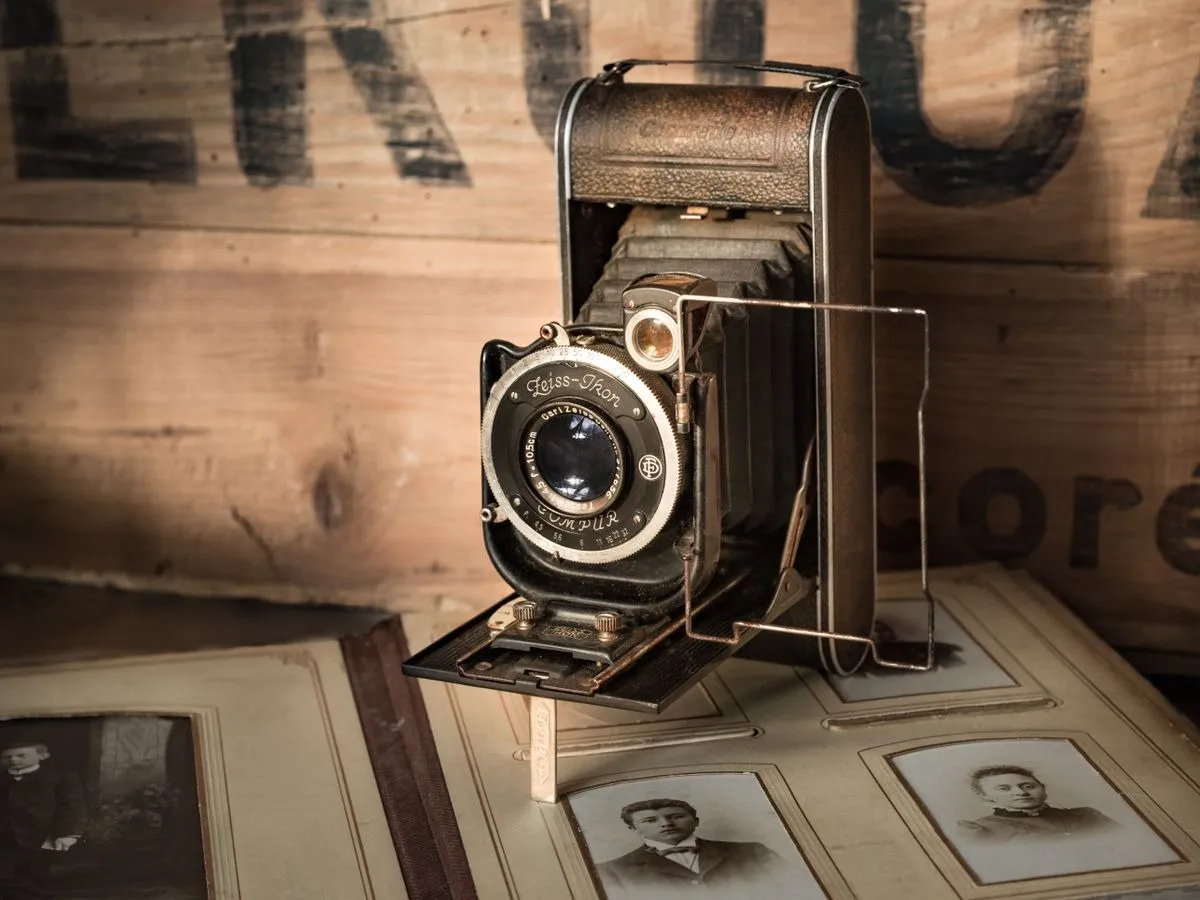
An old fashioned camera usually refers to film cameras used before digital photography became common. These cameras recorded images on photographic film instead of digital sensors, requiring the film to be developed in a lab before the photos could be viewed.
Vintage Polaroid cameras are widely available through eBay, thrift stores, and estate sales, with the SX-70, OneStep, and Spectra among the most sought after. Functionality depends on roller condition. Compatible instant film is available through Polaroid and Impossible Project, though it is significantly more expensive per shot than 35mm film.
The best professional photo scanning services in 2026 are Capture, ScanMyPhotos, LegacyBox, ScanCafe, and EverPresent. Each handles loose prints, negatives, and slides, but they differ significantly in scan resolution, turnaround time, and price per photo. For most households, Capture delivers the best combination of industrial-grade 1,200 DPI scanning, automated color correction, and the only touchless album service in the industry — with digital files ready in 2–3 weeks.
A wedding slideshow works best when it tells a story: start with childhood photos of both partners, move through the relationship timeline, and end at the wedding day. Aim for 10–15 minutes maximum, choose two or three meaningful songs, and keep transitions simple. If key photos are buried in old albums or tapes, digitize them before you start editing.
Physical stains on printed photos cannot be safely removed at home without risking further damage. The practical approach is scanning at high resolution and removing stains digitally using Photoshop or a restoration service. Attempting to clean prints with water or solvents typically causes permanent damage, so scanning first preserves whatever detail remains.
Scanning produces sharper, more consistent results than photographing prints because flatbed scanners eliminate glare, control lighting, and capture fine detail that a phone camera misses. Photographing prints is faster for small batches but introduces distortion, uneven lighting, and focus issues. For any photo worth keeping long term, a proper scan at 600 DPI is worth the extra time over a quick phone snapshot.
The best way to store photo negatives is in acid-free, archival-quality sleeves or binder pages kept in a cool, dry environment away from light and humidity — ideally at 65°F or below with 30–50% relative humidity. Never store negatives in regular plastic bags, rubber bands, or paper envelopes, as these accelerate deterioration. Digitizing negatives provides a permanent backup regardless of how well the originals are stored.
Scanning negatives produces better results than scanning prints because negatives contain more original detail and haven't been through the printing process. A print is already a generation removed from the source. If both the print and the negative are available, scan the negative. If only prints exist, scanning them at 600 DPI or higher still yields usable digital files for sharing and preservation.
Edwin Land invented the first Polaroid instant camera in 1948 after his daughter asked why she couldn't see a photo immediately after it was taken. The SX-70, launched in 1972, became the iconic folding model that defined the brand. Polaroid filed for bankruptcy in 2001, but the format was revived and remains actively produced today through the Polaroid Originals brand.
35mm negatives should be scanned at minimum 1800 DPI for standard prints and 3200 DPI or higher for enlargements or restoration work. A dedicated film scanner produces sharper results than a flatbed with a transparency adapter. Professional services include color correction and dust removal, saving significant time on large collections.
Digitizing family photos makes images shareable across relatives and uploadable to platforms like Ancestry.com and FamilySearch where they can be linked to family tree profiles. Physical prints deteriorate and get lost across generations, while digital files can be duplicated indefinitely and tagged with names, dates, and locations for future searchability.
To slow fading, store printed photos in acid-free albums or archival sleeves away from direct light, heat, and humidity. Avoid displaying originals in direct sunlight since UV exposure accelerates dye breakdown significantly. For irreplaceable prints, digitizing at high resolution provides a permanent backup that preserves the image regardless of what happens to the physical print over time.
Old family photos no one wants can be digitized and shared across the family before any physical copies are discarded, donated to local historical societies or genealogy organizations, submitted to ancestry platforms like FamilySearch, or used in a memory book. Scanning first ensures the images survive even if no one keeps the prints. Throwing away original photos without digitizing them first means losing them permanently.
The most effective way to organize photos is to sort chronologically first, then by event or person, using a consistent naming convention like YYYY-MM-DD for digital files. For physical prints, acid-free albums and labeled envelopes prevent deterioration. Digitizing print collections first makes organizing easier and ensures nothing is lost to fading, water damage, or disaster.
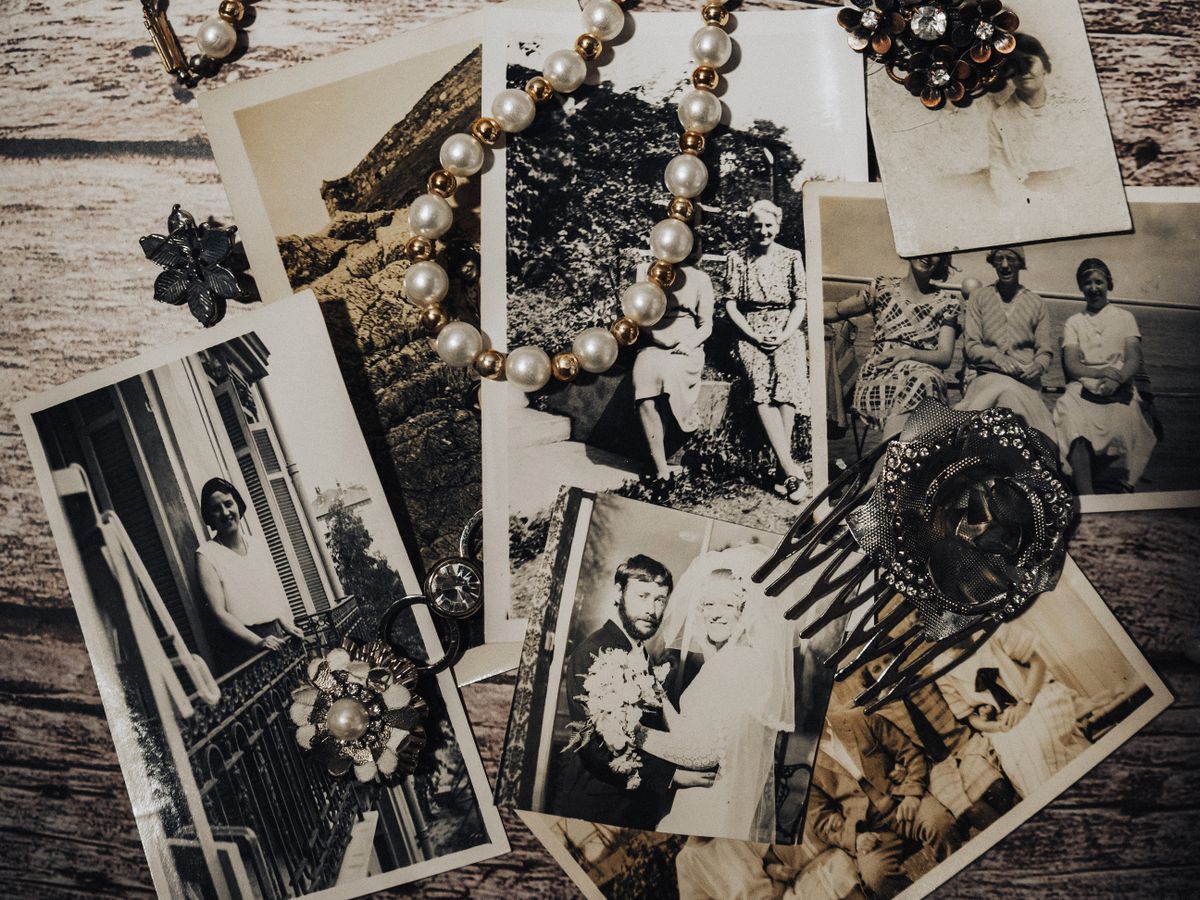
Old photo albums have stored printed photographs since the mid-1800s, using acid-free pages and protective sleeves to slow deterioration from light and humidity. Whether you're restoring a damaged album, identifying the age of photos inside, or digitizing an entire collection without removing prints, the best approach depends on the album's condition and how fragile the photos have become over time.
Standard photo print sizes range from wallet prints at 2x3 inches through 4x6 (the most common), 5x7, 8x10, and up to poster sizes at 16x20 and beyond. The 4x6 format matches the 3:2 aspect ratio of most 35mm and digital cameras without cropping. Larger prints require higher resolution source files to avoid visible pixelation, which is why scanning originals at 600 DPI or above matters for reprinting.